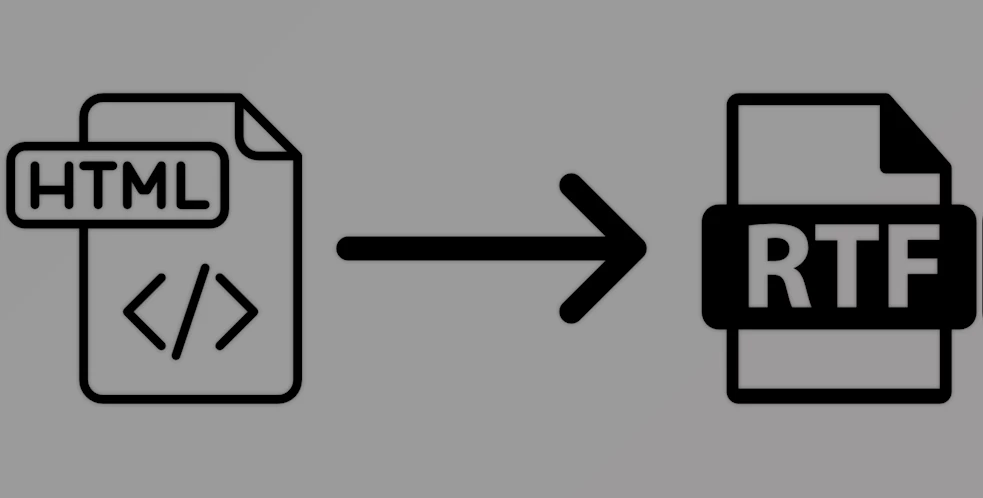
The SubSystems HTML to RTF Converter helps you change HTML to RTF (Rich Text Format) and reverse the changes easily. No matter if you’re reading emails or other types, you can easily process both with a few lines of code by using this module. There is no need for additional software or outside tools to use it.
SubSystems HTML to RTF Converter is made by combining powerful parsing engines from TE Edit Control and HTML Add-on. It exactly maintains the original way the text is presented, with fonts, styles, tables, images, and numerous other elements. You can make use of this tool for .NET Core, .NET Framework, Win32, Win64, C/C++, C#, Delphi, Visual Basic, PowerBuilder, and applications in ASP.NET on Windows and Linux.
With Version 21, documents, including many CSS styles, images, tables, lists, and right-to-left text, are handled more effectively. It performs very efficiently and offers various options: you can either save the output, or directly add it into an editor or the memory. This is an excellent option if you need to convert HTML and RTF files in your app or server.
Key Features of SubSystems HTML to RTF Converter :
- Bidirectional conversion: Easily convert HTML to RTF or RTF to HTML with full formatting support.
- Fonts and styles: Maintains fonts, font sizes, bold/italic/underline styles, and colors during conversion.
- Paragraph formatting: Supports alignment (left, right, center, justify), indentation, and line spacing.
- Image support: Converts images (PNG, JPEG, GIF, EMF, WMF) in RTF to HTML, where embedded images are saved as separate files and linked in HTML.
- Tables: Full support for tables and nested tables, including complex structures and borders.
- Headers/Footers: Preserves headers and footers when converting between formats.
- Unicode & RTL text: Fully supports Unicode characters and right-to-left languages (e.g., Arabic, Hebrew).
- Paper settings: Let you define paper size, orientation, and margins for the RTF output.
- Flexible output: Output can be written to disk or loaded into a memory buffer; RTF data can also be used directly in editors like TE Edit Control.
- Simple API: You only need about three function calls to perform the conversion, making integration easy for developers.
- Multi-platform: Available as native Win32/Win64 DLLs, .NET Framework DLL, and .NET Core NuGet package (Windows + Linux servers).
Click on the links below to Download the latest version of SubSystems HTML to RTF Converter with CRACK!

Note Download speed is limited, for download with higher speed (2X) please register on the site and for download with MAXIMUM speed please join to our VIP plans.

Discover free tools, limited-time offers, and stay updated with the latest software we release.

![FREE Download DevExpress Universal Complete [.Net Components] v26.1.3.26179 (18 Jun 2026) + Documentation + Patcher](https://downloaddevtools.com/filemanagercontent/files/1/prolistnormal/124-banner.png)







You are replying to :