Unlock a world of productivity with Microsoft Office 2021, offering updated versions of essential applications such as Word, Excel, and PowerPoint. Create with confidence using modern visuals and enhanced navigation, ensuring efficiency in document and presentation production. Organize your work and personal life seamlessly by managing messages, appointments, and tasks in one centralized place, effortlessly staying on top of meetings and deadlines.
Experience effortless collaboration with features like real-time document editing and notifications when others make changes. Track and organize data effortlessly in Excel, utilizing robust formulas and improved search functions. Microsoft Office 2021 is designed for performance, ensuring faster loading times and an autosave feature for added peace of mind. Enjoy a visually refreshed interface with a modern Start menu, rounded window corners, and a clean design that enhances the overall user experience. With new collaboration tools, inking features, translation and editing tools, motion graphics, and more, Office 2021 empowers users to create, stay organized, and work together seamlessly.
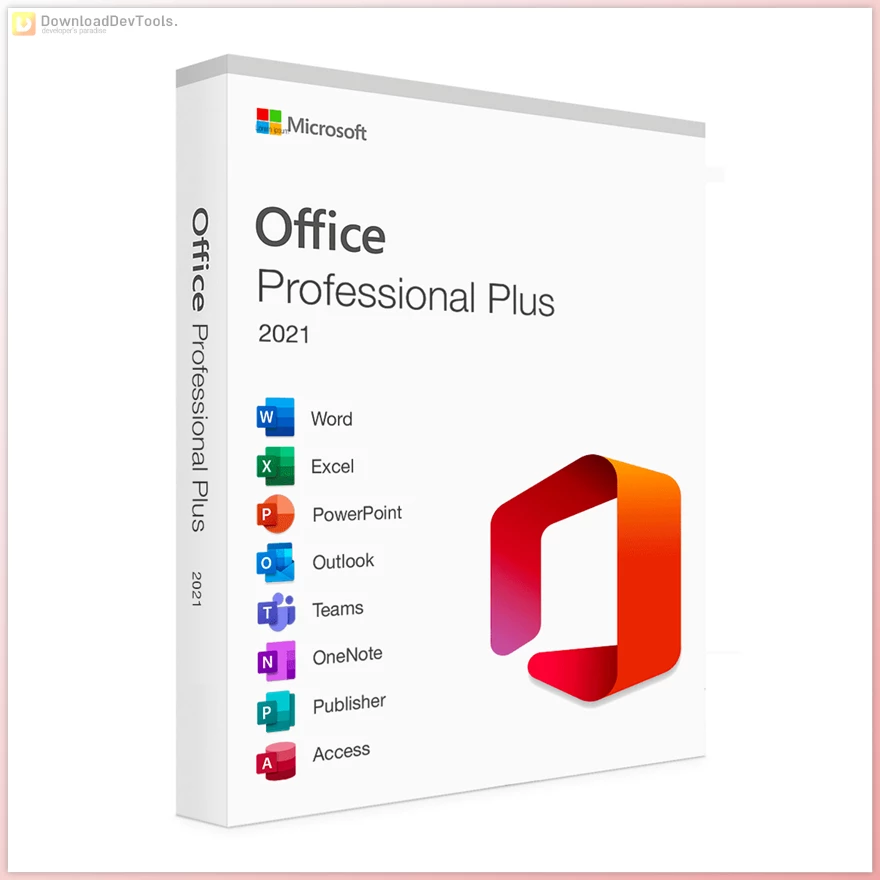
Include List:
- Word: Create professional-quality text documents in no time.
- Excel: Intelligent spreadsheet for information management.
- PowerPoint: Create impressive, dynamic presentations.
- OneNote: Your digital notebook.
- Outlook: Communication made easy.
- Publisher: Layout creation for professional publications.
- Access: Database programming for browser-based apps.
- Microsoft Teams: More productivity through instant messaging and HD video conferencing.
Key Features of Microsoft Office 2021 :
-
Produce engaging documents and presentations with modern visuals.
-
Improved navigation features and search functions for quick access to content.
-
Efficiently manage messages, appointments, contacts, and tasks in one place.
-
Stay on top of meetings, deadlines, and personal commitments effortlessly.
-
Utilize robust formulas for building dynamic spreadsheets.
-
Faster data retrieval with improved navigation and search functions.
-
Easily share files and receive notifications on edits or mentions in comments.
-
Enhanced performance features for a faster system and autosave functionality.
-
Fast-loading version for optimal performance.
-
Improved user interface for enhanced productivity.
-
New features include inking tools, co-authoring, translation, and editing tools.
-
Real-time collaboration enables multiple users to work on the same document simultaneously.
-
Automatic notifications for file updates eliminate the need for additional communication.
-
Modern Start menu and refreshed ribbon tabs.
-
Crisp, clean design with monoline images, neutral color palettes, and rounded window corners.
-
New collaboration tools, inking tools, data types, and motion graphics.
-
Convenience improvements for a more user-friendly experience.
Microsoft Office 2021 is a versatile productivity suite designed to meet the needs of modern users, offering tools like Word, Excel, PowerPoint, and Outlook with advanced features for document creation, data analysis, and professional communication. Its integration with cloud services like OneDrive ensures seamless access to files across devices, making it a go-to solution for businesses and individuals. Similarly, for developers, Visual Studio 2022 provides a powerful platform for building applications with its cutting-edge development tools, integrated debugging, and support for the latest frameworks. Just as Office 2021 enhances productivity in business, Visual Studio 2022 revolutionizes software development, offering features like IntelliCode for AI-assisted coding and Git integration for streamlined collaboration. If you're looking to harness the latest in development tools, you can find the Visual Studio Professional 2022 download links with License Keys from here.
Click on the links below to Download the latest version of Microsoft Office 2021 with Activator!
 Microsoft Office Professional Plus 2021 VL v2606 Build 20131.20126 for Win x86 Multilingual + Activator.rar (سایز: 6.2 GB - تاریخ: 31/04/1405 09:50:37 ق.ظ)
- Microsoft Office Professional Plus 2021 VL v2606 Build 20131.20126 for Win x64 Multilingual + Activator.rar (سایز: 6.5 GB - تاریخ: 31/04/1405 09:49:18 ق.ظ)
- Microsoft Office Professional Plus 2021 VL v2605 Build 20026.20182 for Win x86 Multilingual + Activator.rar (سایز: 5.9 GB - تاریخ: 16/04/1405 11:22:21 ق.ظ)
- Microsoft Office Professional Plus 2021 VL v2605 Build 20026.20182 for Win x64 Multilingual + Activator.rar (سایز: 6.3 GB - تاریخ: 16/04/1405 11:20:55 ق.ظ)
- Microsoft Office Pro 2021 VL v2602 Build 19725.20190 Multilingual for Win x86 + Activator.rar (سایز: 5.7 GB - تاریخ: 05/01/1405 12:13:32 ب.ظ)
- Microsoft Office Pro 2021 VL v2602 Build 19725.20190 Multilingual for Win x64 + Activator.rar (سایز: 6.1 GB - تاریخ: 05/01/1405 12:12:18 ب.ظ)
- Microsoft Office 2021 for Mac LTSC v16.89.1 VL Multilingual.rar (سایز: 2.5 GB - تاریخ: 03/09/1404 01:50:28 ب.ظ)
Note Download speed is limited, for download with higher speed (2X) please register on the site and for download with MAXIMUM speed please join to our VIP plans.

Discover free tools, limited-time offers, and stay updated with the latest software we release.
06/10/1404 11:23:10 ق.ظ
pls give me password sir.
Password is: DownloadDevTools.ir
05/10/1404 07:08:47 ب.ظ
pls give me password sir.
22/07/1403 08:51:57 ق.ظ
while activating KMS file it was showing remaining period of 180 days. Is it available for only 180 days??
archive file ask password to extract the files
01/05/1403 11:00:30 ب.ظ
1) Turn off your antivirus !important. (Your antivirus may detect Activator as virus, Its safe.) 2) Run "STEP-1. Install Office.cmd" as Administrator. 3) It will install MS Office 2021, Don't run any office software, Exit if running. 4) Run "STEP-2. Activate Office.cmd" as Administrator. 5) It will auto activate it with KMS. ---------------------------------------------- Done...!! Note : ** Close all softwares before installing this. ** Turn off auto updates of office. Open any program (e.g., word), Open any page, Then click [Menu] > [Account] > [Update Options] > [Disable Updates] ** If your antivirus detects or deletes "C:\Windows\system32\SppExtComObjHook.dll" file, then add it to exclusion list, Its safe.
while activating KMS file it was showing remaining period of 180 days. Is it available for only 180 days??
16/02/1403 05:30:37 ب.ظ
Hi, Please teach me how to install this ISO file please I am not really good at this
1) Turn off your antivirus !important. (Your antivirus may detect Activator as virus, Its safe.) 2) Run "STEP-1. Install Office.cmd" as Administrator. 3) It will install MS Office 2021, Don't run any office software, Exit if running. 4) Run "STEP-2. Activate Office.cmd" as Administrator. 5) It will auto activate it with KMS. ---------------------------------------------- Done...!! Note : ** Close all softwares before installing this. ** Turn off auto updates of office. Open any program (e.g., word), Open any page, Then click [Menu] > [Account] > [Update Options] > [Disable Updates] ** If your antivirus detects or deletes "C:\Windows\system32\SppExtComObjHook.dll" file, then add it to exclusion list, Its safe.
16/02/1403 05:29:05 ب.ظ
please make tutorial for how to install it.
Bruhh theres literally a file showing step by step installation . check the files
16/02/1403 05:28:04 ب.ظ
Thank you so much 😭😭.It actually worked.
23/12/1402 09:40:03 ق.ظ
please make tutorial for how to install it.
24/10/1402 06:06:22 ب.ظ
Hi, Please teach me how to install this ISO file please I am not really good at this
11/09/1402 10:40:19 ق.ظ
Very nice
14/05/1402 12:11:38 ب.ظ
Pleses sent Password to me for my email [email protected] Microsoft Office Professional Plus 2021 VL Version 2306 (Build 16529.20182) x64 Multilingual Thank You!
Password is: DownloadDevTools.ir
11/05/1402 07:35:13 ق.ظ
Pleses sent Password to me for my email [email protected] Microsoft Office Professional Plus 2021 VL Version 2306 (Build 16529.20182) x64 Multilingual Thank You!
11/05/1402 07:27:28 ق.ظ
Pass is (DownloadDevTools.ir)
Pleses sent Password to me! Thank you!
24/04/1402 02:23:42 ب.ظ
What is the Password to open the zip file?
Pass is (DownloadDevTools.ir)
11/03/1402 11:44:31 ب.ظ
AWESOME, everything works well
در حال پاسخ به :