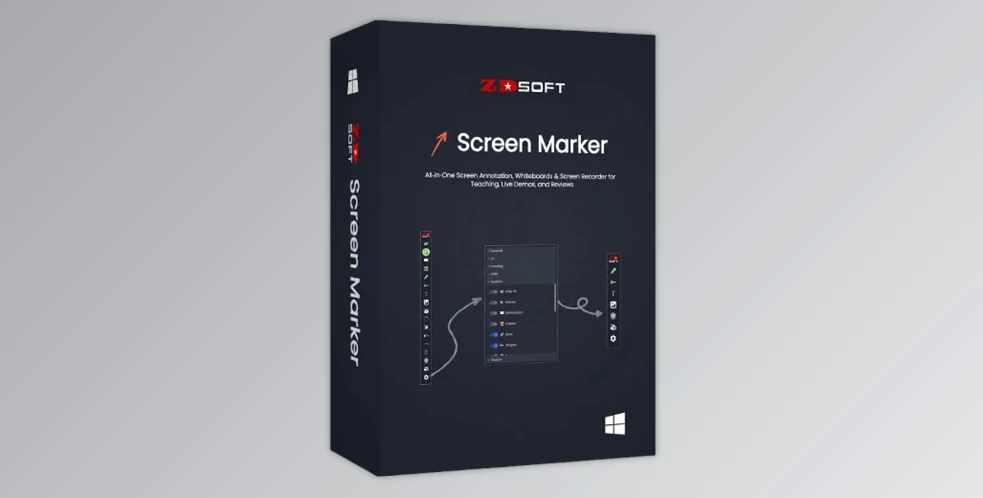
ZD Soft Screen Marker is a useful Windows utility for drawing, writing, and highlighting on the screen. For those who must present information clearly in real time, whether they are teaching, presenting, demoing software, doing an online session, or providing support. It's not just about capturing the screen, but also providing your audience with a visual guide.
The software offers a single solution for screen annotation, whiteboards, screenshots, webcam overlay, and screen recording. This eliminates the need to purchase several tools to draw on the screen, take snapshots, record screen tutorials, or show ideas. It is beneficial for trainers, teachers, presenters, and support teams since everything is available in one simple workflow.
ZD Soft Screen Marker also provides the user with good control over their annotations. There are various pen styles, shapes, erasers, pointer effects, editable objects, customizable whiteboards, and keyboard shortcuts available. It is particularly useful when you wish to make the explanations more visual, more focused, and easier for viewers to follow.
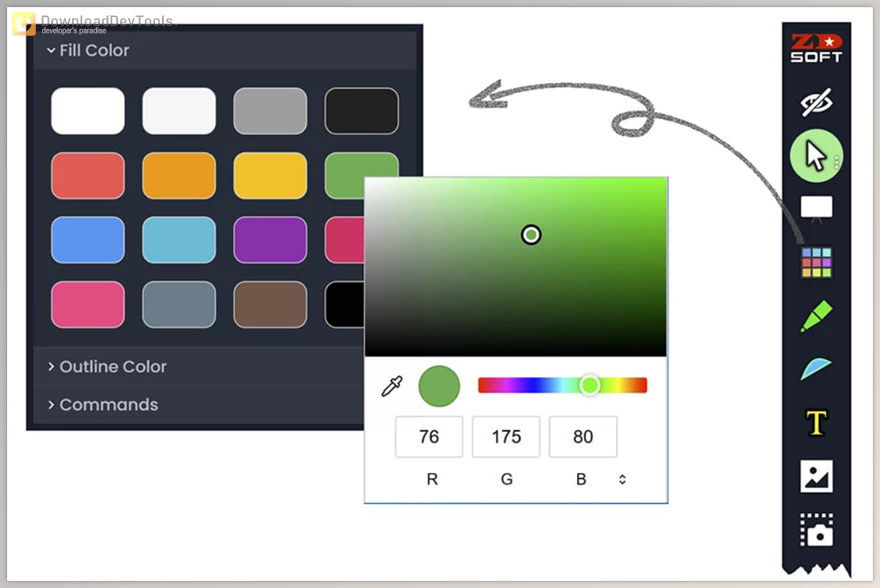
Key Features of ZD Soft Screen Marker:
- Screen Annotation: Draw, write, and highlight directly over your desktop, apps, websites, or documents.
- Different Pen Styles: Use tools like pen, highlighter, chalk, pencil, ink pen, calligraphy pen, and brush for different explanation styles.
- Shapes and Arrows: Add arrows, rectangles, circles, numbers, curves, and polygons to make instructions clearer.
- Multiple Eraser Modes: Remove specific objects, erase small areas, or clean larger parts of your screen quickly.
- Editable Annotations: Move, resize, group, copy, reorder, and adjust annotations without starting again.
- Custom Whiteboards: Create unlimited whiteboards with custom backgrounds, pan, zoom, and reusable visual content.
- Pointer Effects: Highlight the cursor or use pointer visuals to help viewers focus on the important area.
- Auto Fade-Out: Automatically clear annotations after a set time to keep the screen clean during long sessions.
- Screenshots and Snapshots: Capture clean or annotated screenshots for tutorials, reports, or support documentation.
- Webcam Overlay: Show your webcam during lessons or presentations and annotate over it when needed.
- Built-In Screen Recorder: Record your screen, annotations, audio, and webcam together for tutorial videos.
- Custom Toolbar and Shortcuts: Personalize the toolbar and hotkeys to work faster during live presentations.
Click on the links below to Download the latest version of ZD Soft Screen Marker with Keygen!

Note Download speed is limited, for download with higher speed (2X) please register on the site and for download with MAXIMUM speed please join to our VIP plans.

Discover free tools, limited-time offers, and stay updated with the latest software we release.









You are replying to :