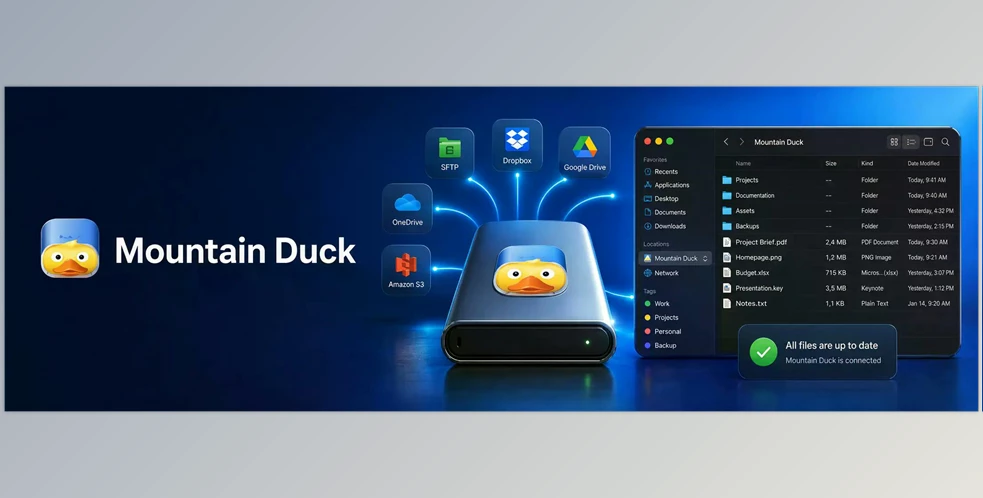
Mountain Duck allows you to mount your cloud storage or server to your computer as if it were a regular, local drive. It is shown in Finder on macOS and File Explorer on Windows. This is that you can access, edit, copy, move, and manage remote files with your familiar apps without having to download and upload files manually.
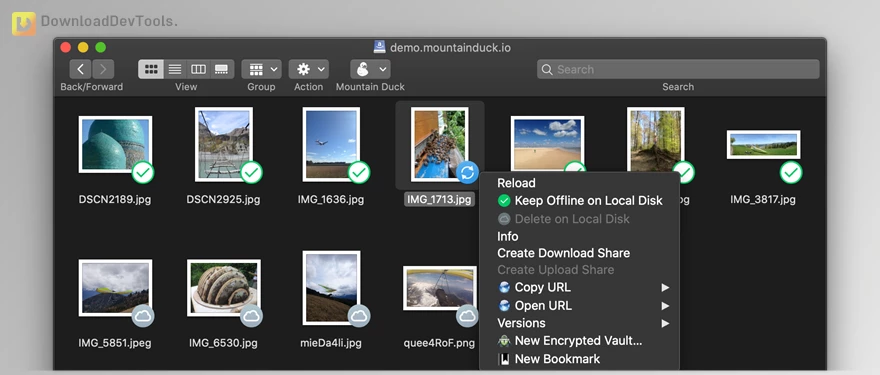
The software will conserve local disk space and at the same time provide you with access to everything. You can view all files on your remote server or cloud account; however, files are not downloaded until you view them or decide to keep them offline. Any changes that you make are automatically uploaded in the background, and sync icons are used to understand what is available offline, what is online-only, and what is currently syncing.
Mountain Duck supports numerous popular storage services and protocols, such as FTP, SFTP, WebDAV, SMB, Amazon S3, Google Drive, Dropbox, OneDrive, Box, Azure, Backblaze B2 and the like. It also has some handy professional features such as file sharing, searching, tracking activities, file history, file locking to teams, version recovery, and client-side encryption using Cryptomator vaults.
Key Features of Mountain Duck:
- Mount remote storage as a local drive — Access cloud storage and servers directly from Finder or File Explorer.
- Smart synchronization — View all remote files without downloading everything to your computer.
- On-demand downloads — Files are downloaded only when you open them, helping save disk space.
- Offline access — Choose important files or folders to keep available even without internet.
- Background uploads — Changes are uploaded automatically when a connection is available.
- Integrated system experience — Works naturally inside macOS and Windows without a complicated interface.
- Context menu options — Manage sync, sharing, and file actions directly from Finder or File Explorer.
- File sharing — Create share links for supported cloud services directly from your desktop.
- Search support — Find files on remote storage using Spotlight on macOS or Windows Search.
- Activity panel — Track and cancel current sync operations when needed.
- Transfer history — Review recent file changes, uploads, downloads, and sync activity.
- File locking — Helps prevent editing conflicts when teams work on the same files.
- Version support — Open or restore previous versions of files on supported storage systems.
- Client-side encryption — Protect files using Cryptomator-compatible encrypted vaults.
- Wide service support — Connect to FTP, SFTP, WebDAV, SMB, S3, Google Drive, Dropbox, OneDrive, Box, Azure, Backblaze B2, and more.
Click on the links below to Download the latest version of Mountain Duck with CRACK !

Note Download speed is limited, for download with higher speed (2X) please register on the site and for download with MAXIMUM speed please join to our VIP plans.

Discover free tools, limited-time offers, and stay updated with the latest software we release.









You are replying to :